 Alerse
A sidebar browser that keeps to itself.
Alerse gives you a vertical sidebar, Spaces with separate logins in one window, a command bar and end-to-end encrypted sync you can host yourself. Built on ungoogled-chromium. No account, no AI, no tracking.
Alerse 0.1.13 · Chromium 157 · Release notes
Also for macOS (Apple Silicon) and Linux · All platforms · Free and open source
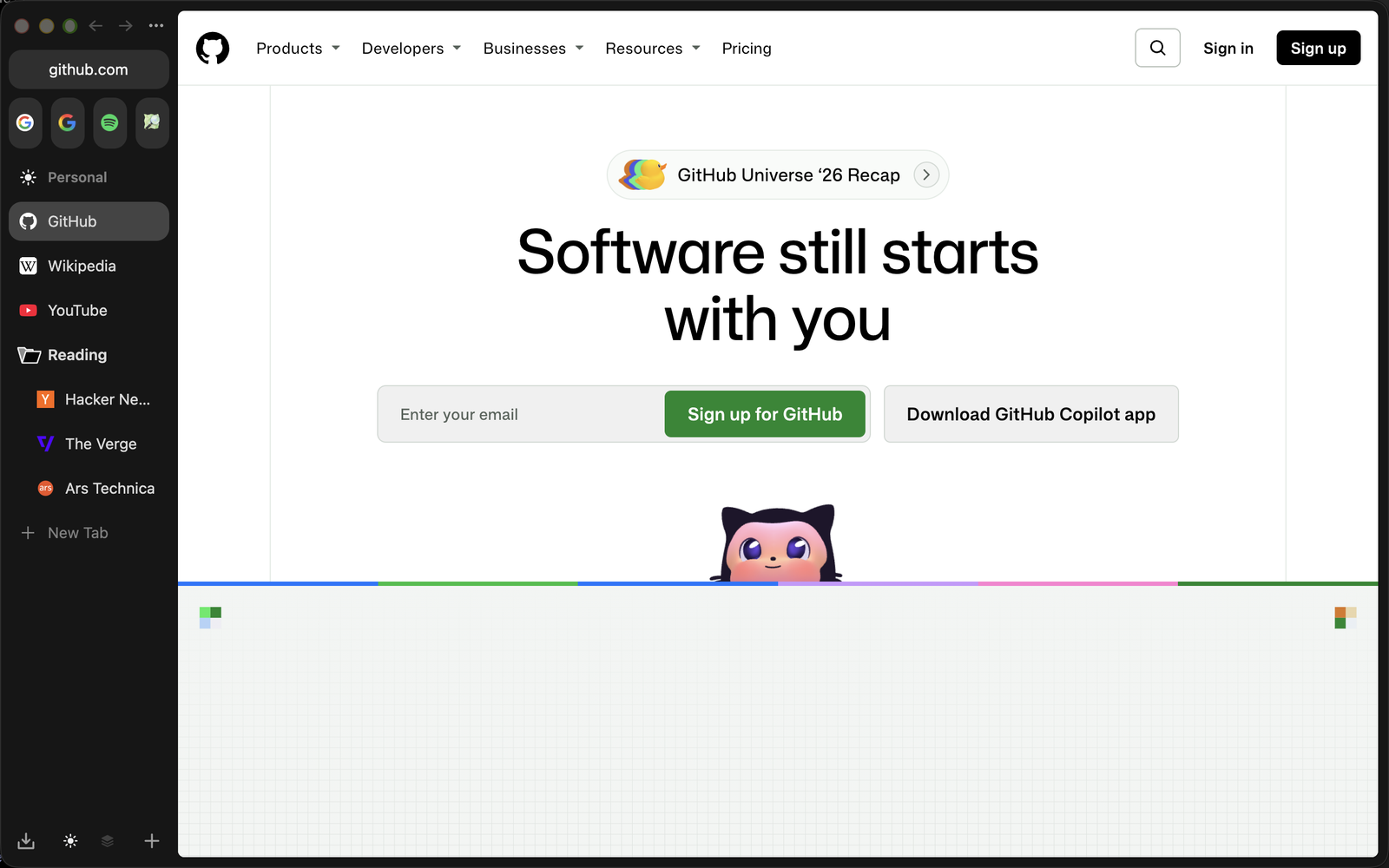
Made for people leaving Arc.
The sidebar, Spaces, the command bar and the icon pickers work the way Arc's do. Arc's Spaces, pinned tabs and folders import in one click.
Nothing to sign in to.
No company account, no assistant, no AI search. Google is the default search engine only until you pick another.
Your data stays yours.
ungoogled-chromium's privacy defaults. Sync is end-to-end encrypted; the server stores only data it cannot read.
What you get
The parts of Arc people kept using, rebuilt on Chromium you can inspect.
Spaces
Each Space is a separate profile: its own cookies, logins, history and extensions, so you can be signed in to different accounts side by side. Switching is instant, and the Spaces look like one window.
- Drag a tab onto a Space icon to move it
- Link routing sends sites to their Space
- Spaces survive restarts
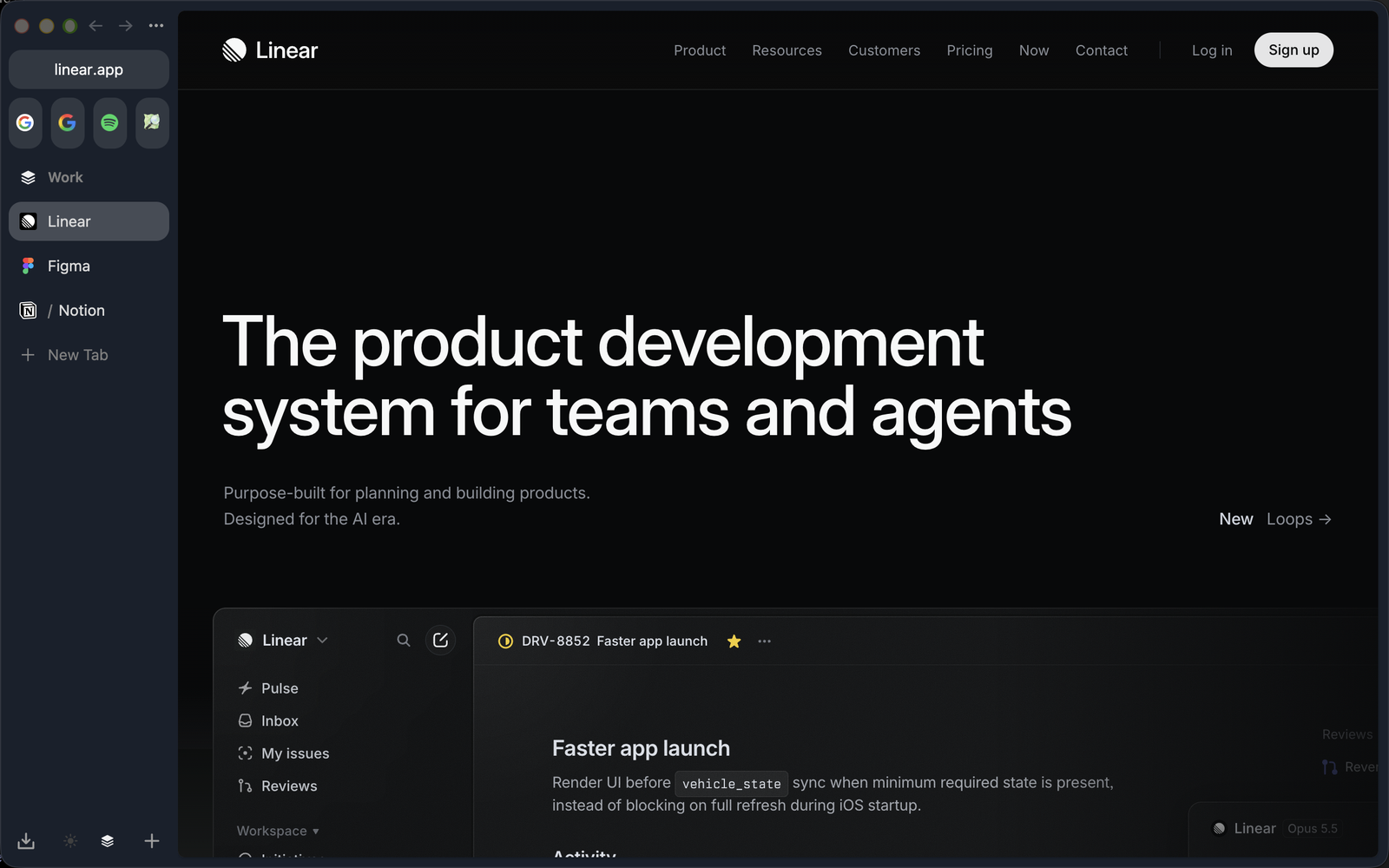
Command bar
Type an action instead of hunting for it: Copy URL, Copy URL as Markdown, Pin Tab, New Space, Edit Theme and more, each with its shortcut.
- Search, history and open tabs in one field
- Shortcuts shown next to every action
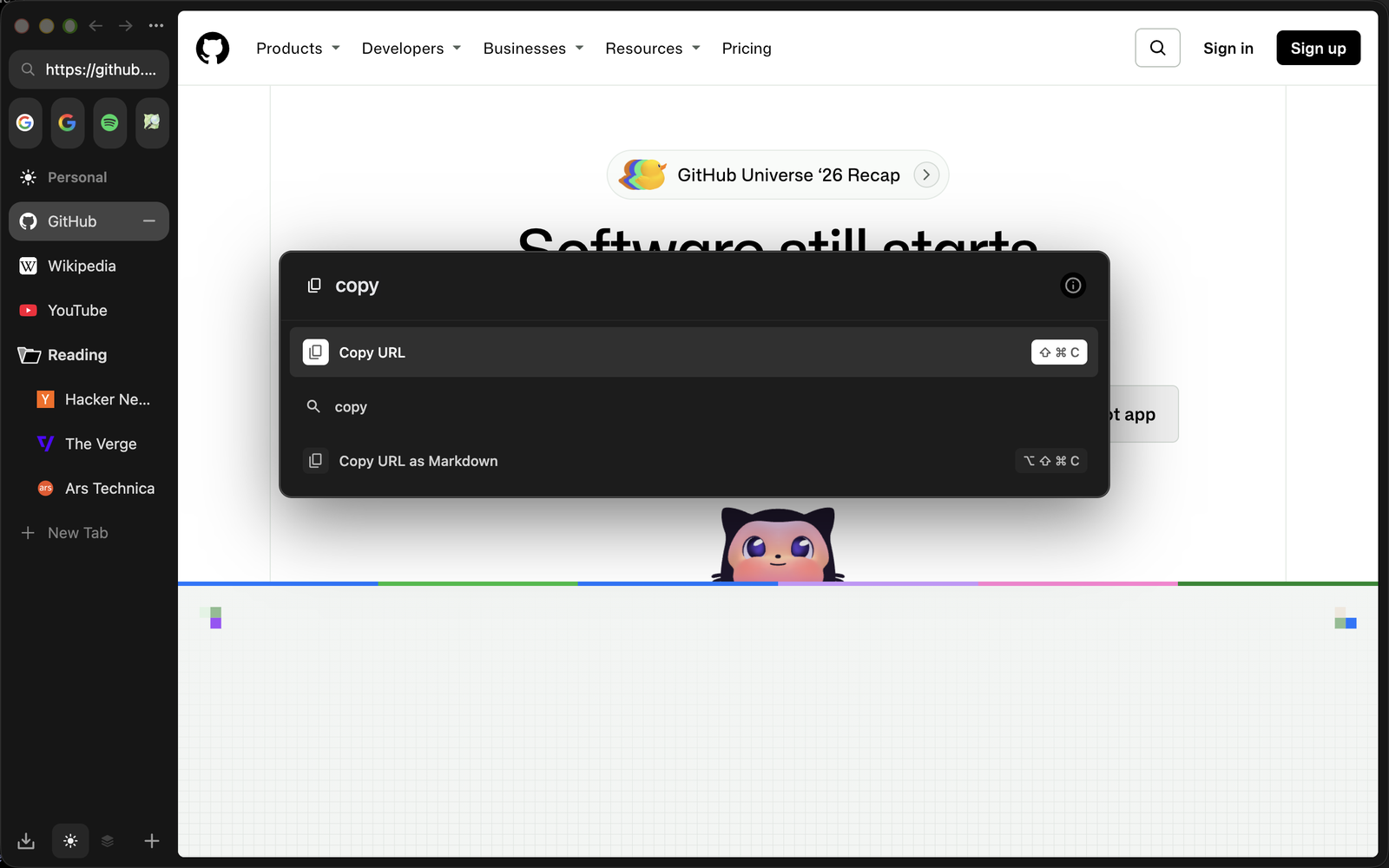
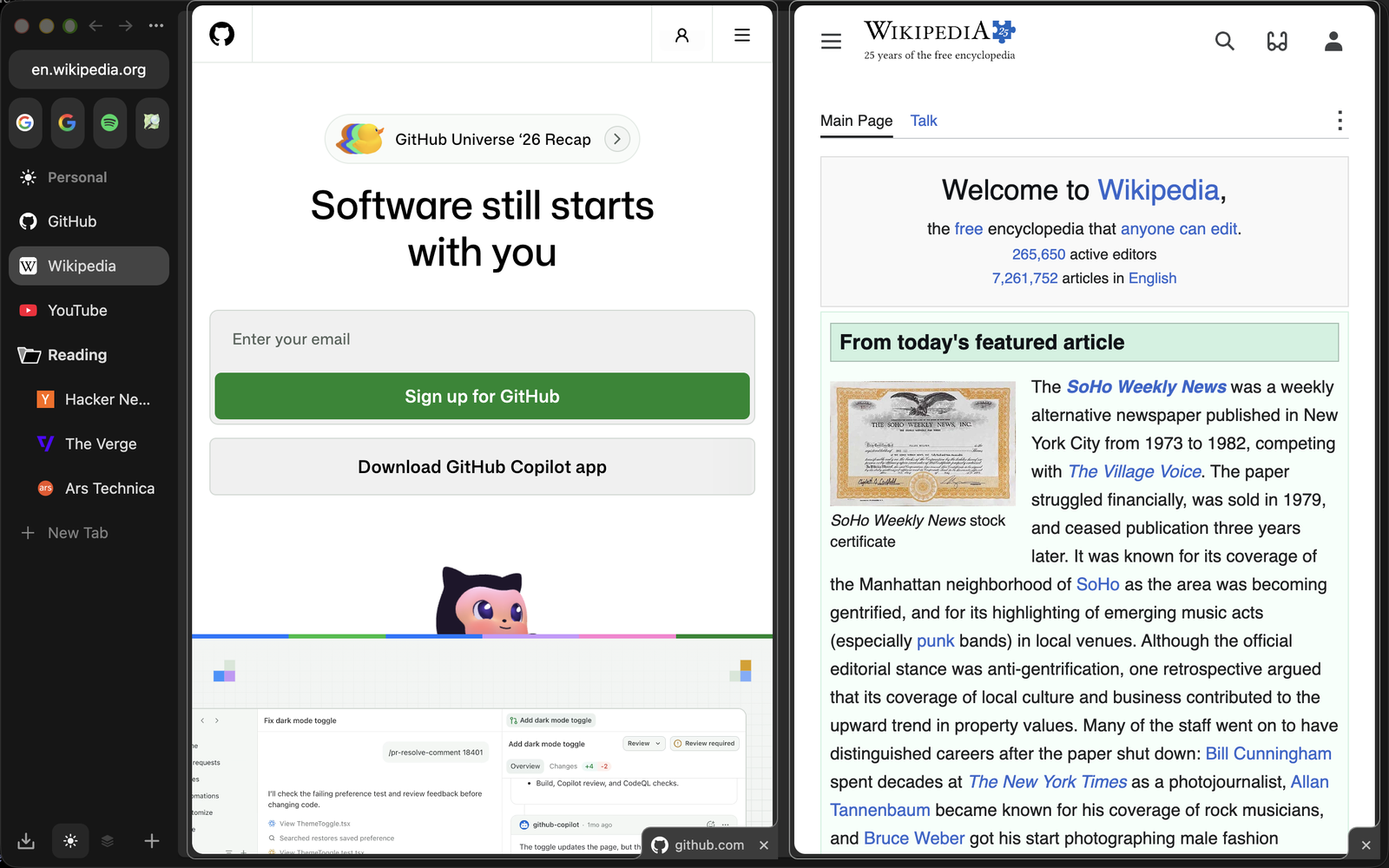
Split View
Two pages side by side in one tab, opened from a tab's menu or by dragging one tab onto another.
- Each side keeps its own history
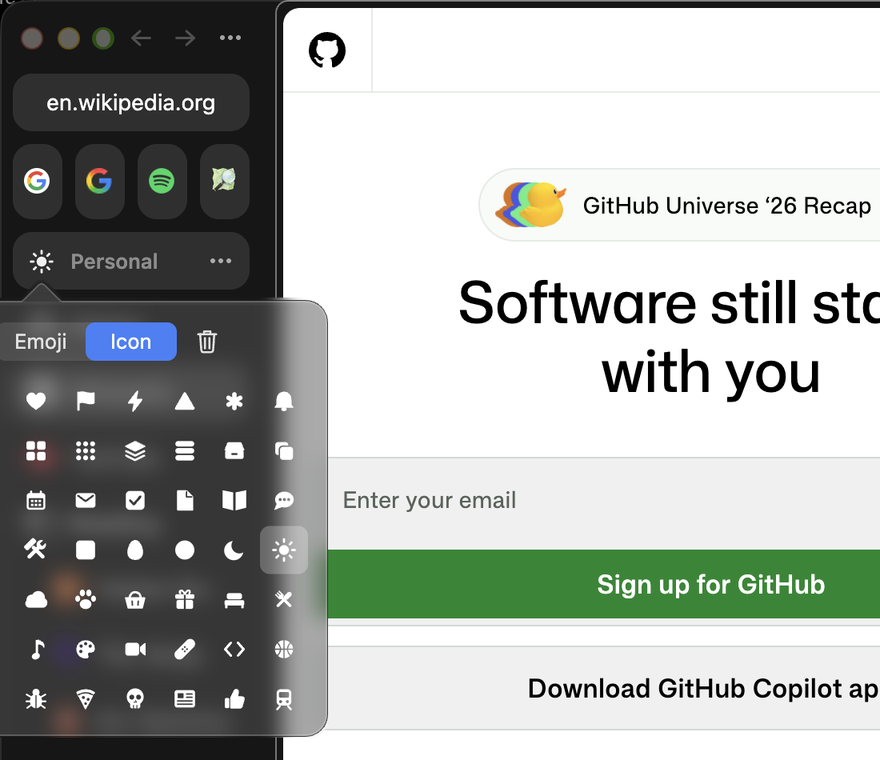
Icons for Spaces and folders
Arc's glyphs and emoji for Spaces, pinned items and folders, from the same picker.
- Folders collapse or expand all at once
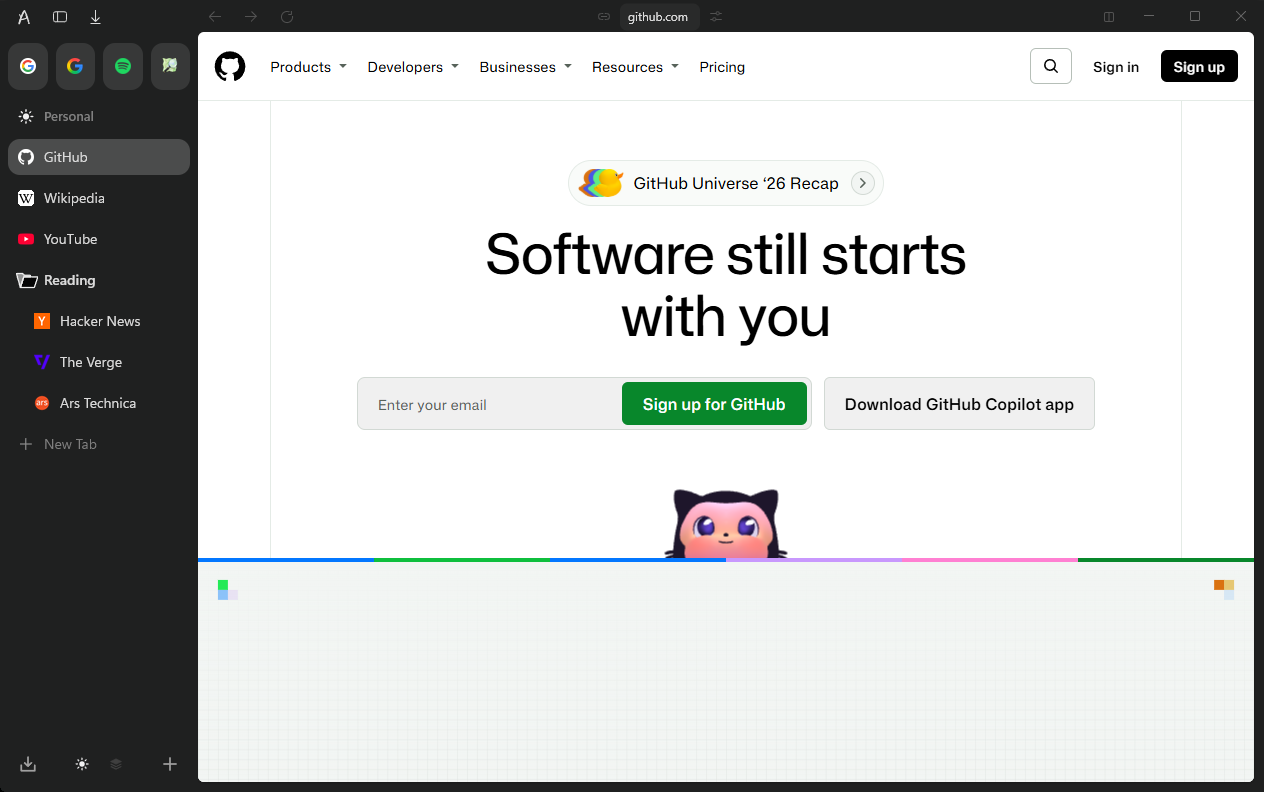
Windows, too
On Windows, Alerse looks like Arc on macOS everywhere except the top bar.
- Windows 10 and 11, x64 and arm64
Sync that the server cannot read.
Bookmarks, open tabs, Spaces, passwords and settings sync between your devices. Everything is encrypted on the device before it leaves it. A new device signs in with 24 words and a password; neither alone opens the account. Best on a server of your own, in Docker or Kubernetes. If you would rather not run one, the Alerse server is offered voluntarily, without guarantee or responsibility for the data on it.
- Speed
- Tabs reach your other devices in about 15 seconds, other changes in about a minute.
- Devices
- Each device has its own key and can be removed at any time.
- Server
- Your own server is recommended: source code and a setup guide for Docker and Kubernetes on GitHub.
- Encryption
- The 24 words never leave your devices. The server keeps data it cannot open.
Moving from Arc
Chrome, Edge, Brave, Vivaldi, Opera and Yandex Browser bookmarks import the same way. Alerse only reads the other browser's files, so it can stay open.
- Open the Alerse menu: the logo at the top of the sidebar.
- Choose Import from Another Browser.
- Press Import next to Arc. Every Space arrives with its pinned tabs, folders and icons.
What is not there
Said plainly, so you can decide before you download.
- Not built: Easels, Boosts and the tab archive.
- Netflix and other DRM video play on macOS in a WebKit view, with Apple’s FairPlay; on Windows Alerse offers Microsoft Edge for them, since Google licenses Widevine only to browsers it has signed.
- Builds are not code-signed by Apple or Microsoft yet: Windows SmartScreen asks once, macOS needs one terminal command.
- Alerse tells you about updates; you install them yourself.
- Linux waits for the next ungoogled-chromium release; iPhone is source only.